

Once your recording finishes, it will show the upload progress and automatically open in a new tab. If you prefer to skip these steps, enable Upload video in background under Settings > General.
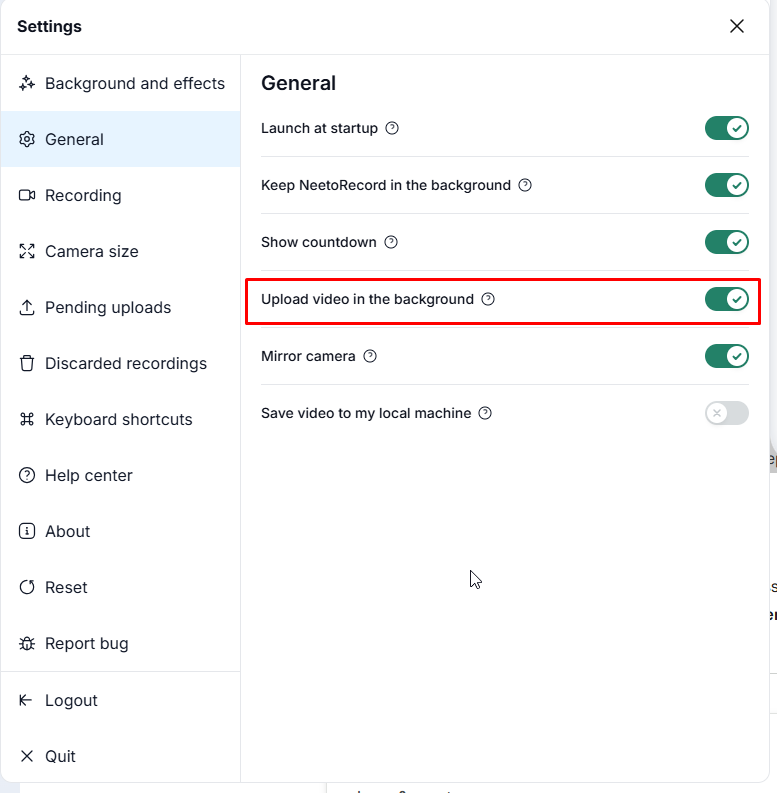
If you enable this feature, and later you wish to see the progress after uploading you can click on menu icon to reveal the uploading dialog.
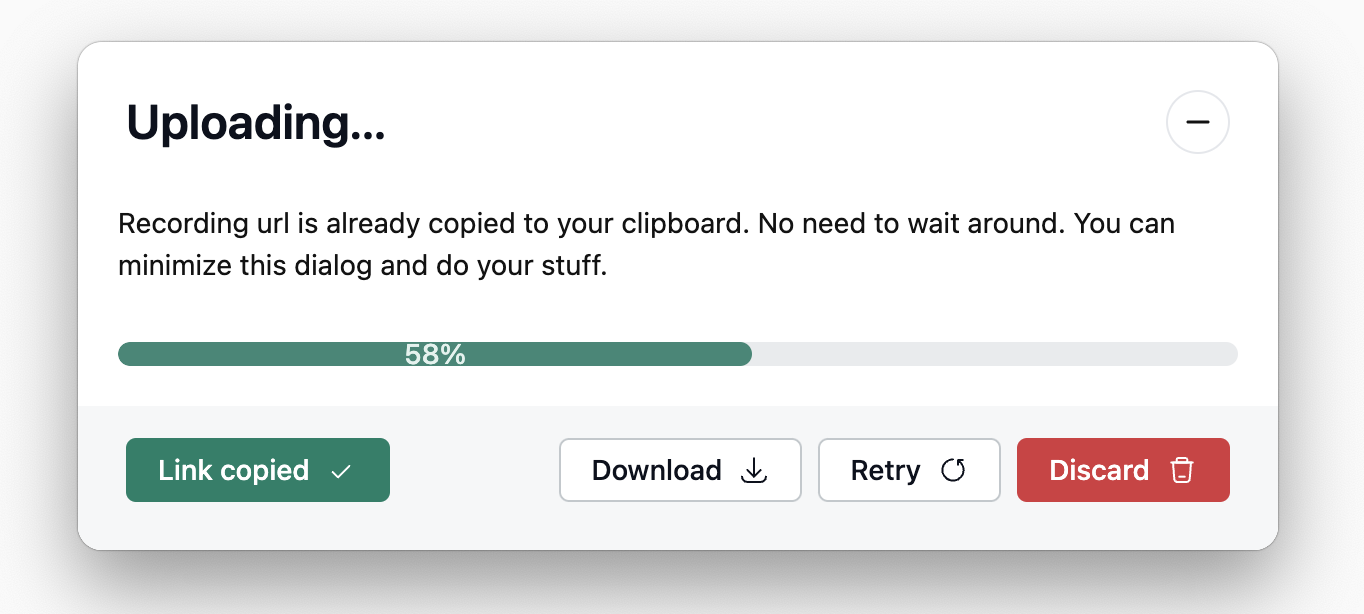
It’s important to note that NeetoRecord allows only one recording upload at a time. This means if you try to start a new recording immediately after finishing one, the upload progress dialog will appear until the first recording has finished uploading.